Video editing school · Apte Road, Pune
Learn Premiere Pro, Filmora and After Effects in 2 months: edit reels, YouTube videos and ads with titles, music, colour and motion graphics. Or combine graphic design and video in the 5-month program.
2-month & 5-month programs
15 students per batch
Free demo class
Lecture recordings
3 free shoot & AI workshops
Certificate + job support
Fees: ₹30,000 (2 months) · ₹55,000 (5 months) · discount available
Classroom demo at Apte Road, Deccan. A counsellor will call you.
2019
Teaching since
5.0★
Google rating
106
Google reviews
15
Students per batch
6
Daily batch timings
2
Months to job-ready
Placements
Recent Pashium students working as video editors and designers. Swipe to see more.
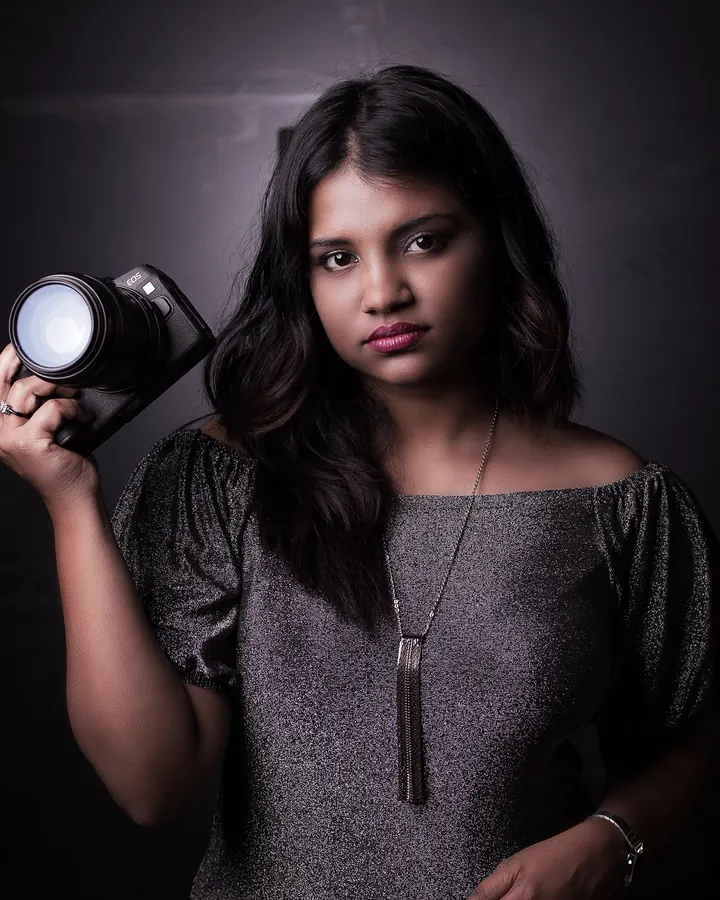
Student Name
Video Editor
Company Name
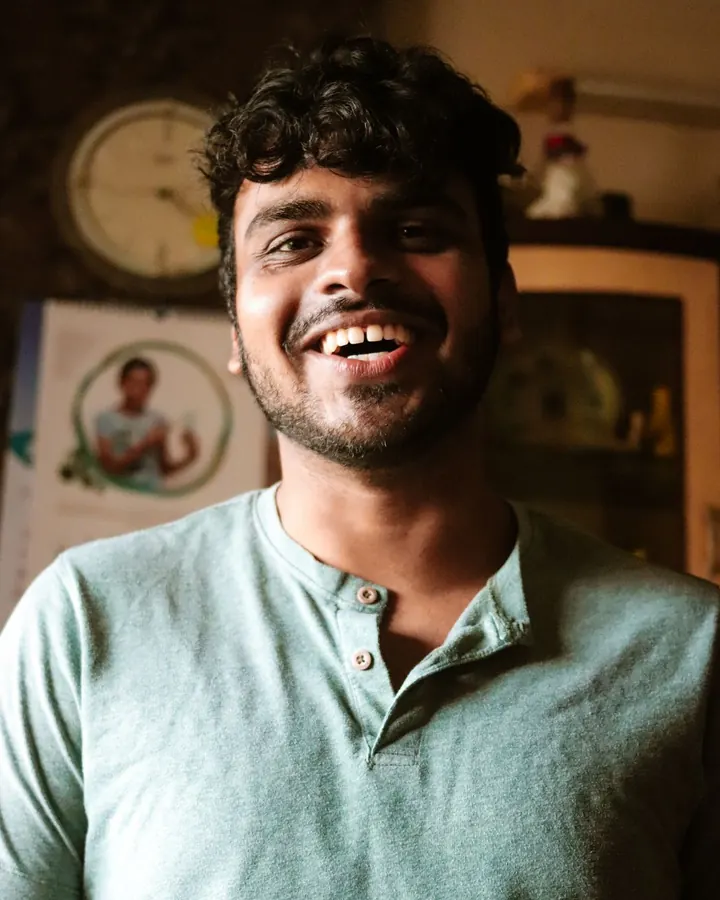
Student Name
Reels Editor
Company Name
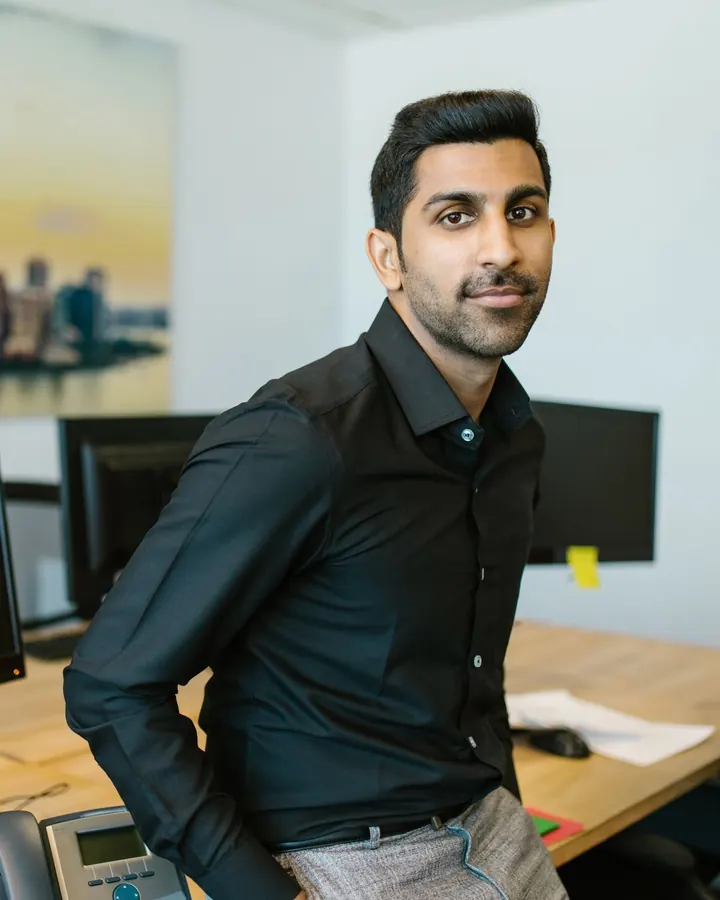
Student Name
YouTube Editor
Company Name
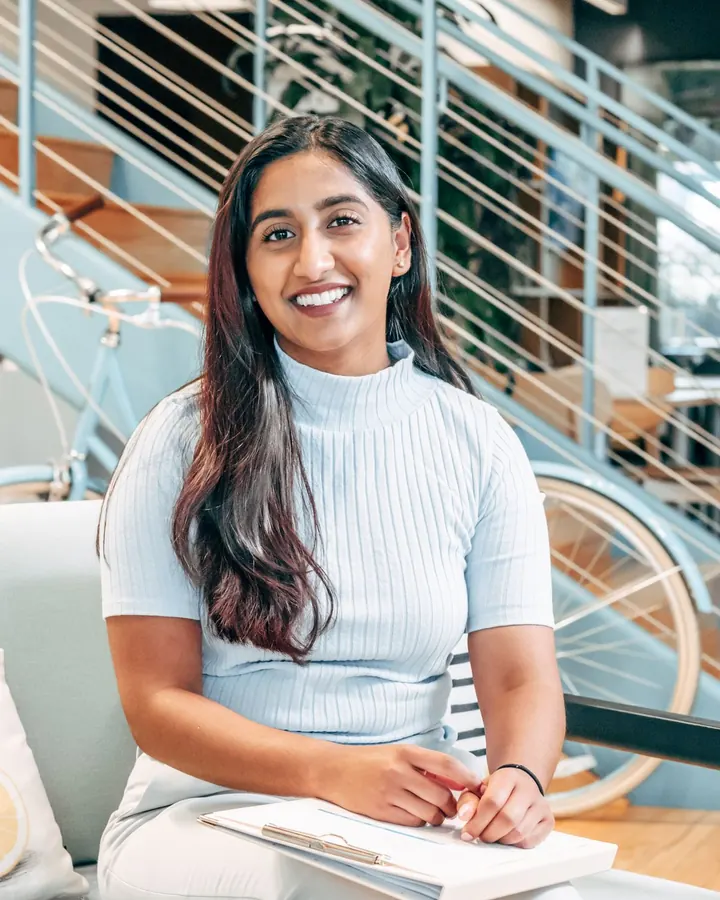
Student Name
Motion Graphics Intern
Company Name
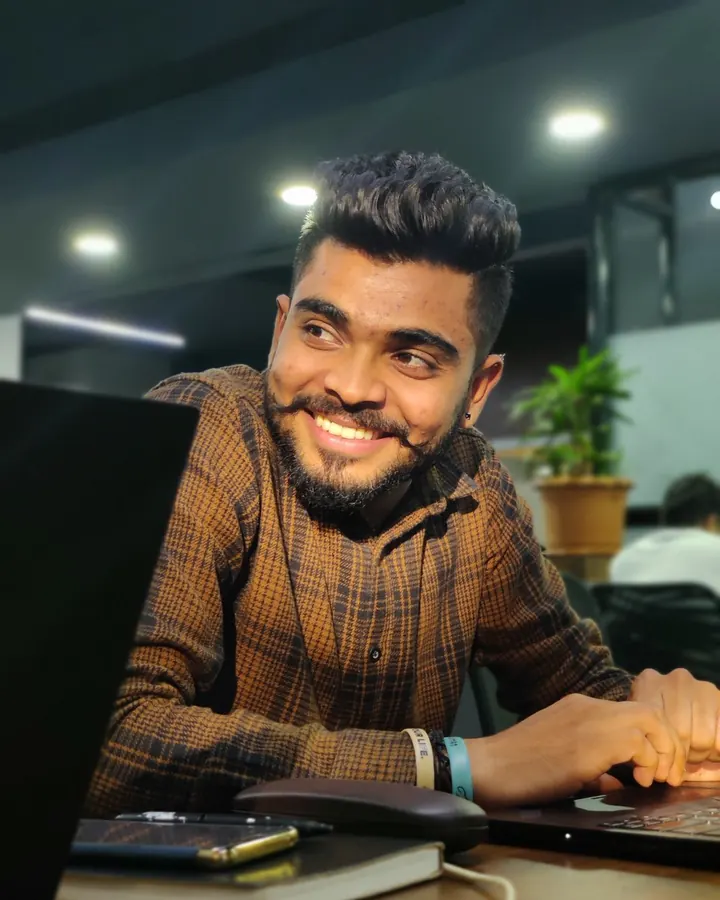
Student Name
Content Editor
Company Name
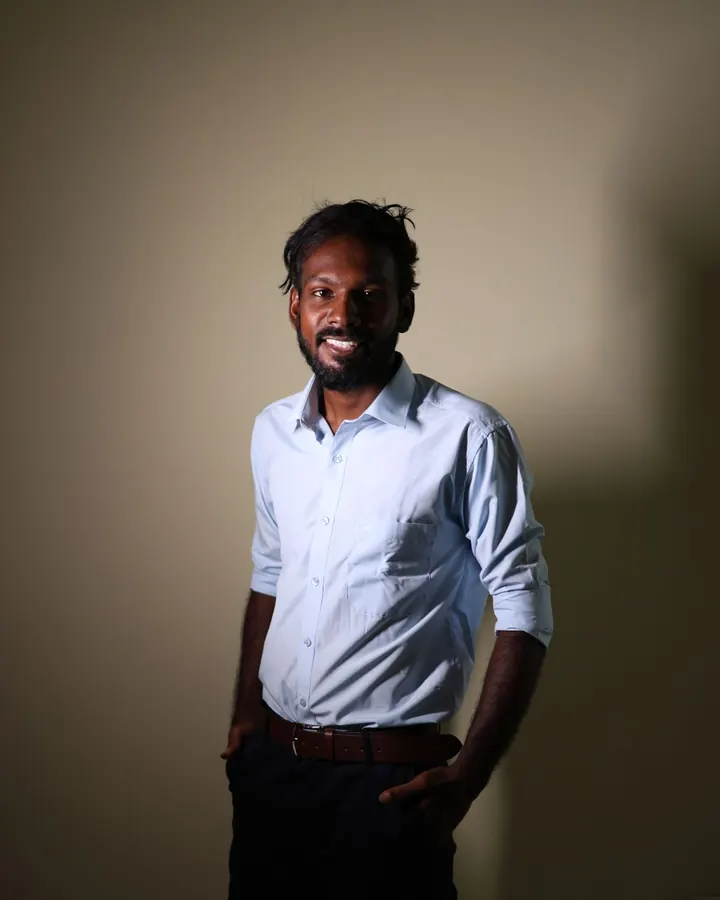
Student Name
Video Editing Intern
Company Name
The basics
Video editing is the craft of turning raw footage into a clear story: choosing the best shots, cutting them to the right pace, and adding text, music, sound, colour and effects.
Every brand, creator and agency now posts reels, Shorts, ads and YouTube videos, so editors who work fast and tell a story well are in steady demand. At Pashium you learn this on Premiere Pro, Filmora and After Effects.
Cut and sequence footage on a timeline
Add titles, captions, music and voice-over
Correct and grade colour
Animate text and logos with motion graphics

Course options
Learn video editing and motion graphics in 2 months, or add graphic design in the 5-month program. Both run Monday to Friday in the same six batch timings.
2 MONTHS · VIDEO EDITING
₹30,000
course fee · discount available · pay in 3–4 instalments
Mon–Fri · 1 hr class + 1 hr practice · 15 per batch · 6 timings
Tools you will learn
Premiere Pro
Filmora
After Effects
Edits for reels, YouTube and ads
Titles, music, sound and colour
Motion graphics basics with After Effects
Free workshops: camera shoot, AI video editing, podcast shoot
Certificate of Completion and job support
5 MONTHS · DESIGN + VIDEO
₹55,000
course fee · discount available · pay in 3–4 instalments
Mon–Fri · 1 hr class + 1 hr practice · 15 per batch · 6 timings
Tools you will learn
Premiere Pro
Filmora
After Effects
Illustrator
Photoshop
Lightroom
InDesign
CorelDRAW
Everything in the 2-month video course
Free workshops: camera shoot, AI video editing, podcast shoot
Graphic design for print and social media
Thumbnails, posters and brand creatives
Portfolio with both video and design work
2-month Video Editing
5-month Graphics & Video Editing
Duration
2 months
5 months
Fees
₹30,000
₹55,000
Video editing
Yes: Premiere Pro, Filmora
Yes: Premiere Pro, Filmora
Motion graphics
Yes: After Effects basics
Yes: After Effects basics
Graphic design
No
Yes: 5 design tools
Software
3 video tools
8 tools
Free workshops
Yes: camera, AI editing, podcast
Yes: camera, AI editing, podcast
Best for
Video editor, reels and YouTube roles
Social media and content roles that need design and video
Want design and video together? See the full 5-month Diploma in Graphic Design & Video Editing. Only want graphic design? See our 3-month Graphic Design course in Pune. Payment: 3–4 instalments are available on every program.
Included free
Free with the 2-month Video Editing course and the 5-month Graphics & Video Editing program.
FREE WORKSHOP
01
Camera settings, framing and light, then a hands-on shoot to get footage you can edit.
FREE WORKSHOP
02
AI tools that speed up cutting, captions, clean-up and versions for each platform.
FREE WORKSHOP
03
Set up cameras, mics and lights, record a podcast episode and edit it.
Syllabus
Modules 1 to 8 make up the 2-month course. Modules marked 5 MONTHS add graphic design in the Graphics & Video Editing program.
Module 1
• How editing tells a story
• Shots, cuts and pacing
• Project setup and file management
Module 2
• Importing, trimming and sequencing
• J-cuts, L-cuts and B-roll
• Shortcuts for fast editing
Module 3
• Titles and captions
• Music, voice-over and audio clean-up
• Colour correction and grading
Module 4
• Quick edits with templates
• Effects, transitions and stickers
• Vertical edits for Reels and Shorts
Module 5
• Keyframes and animation basics
• Animated text and lower thirds
• Logo animation
Module 6
• Masks and simple tracking
• Green screen basics
• Bringing animations into Premiere
Module 7
• Export settings for Instagram and YouTube
• Aspect ratios and safe areas
• File size and quality
Module 8
• Choosing and cutting your showreel
• YouTube, Instagram and Behance portfolio
• Interview preparation
Module 9
5 MONTHS
• Layout, colour and typography
• Logos and vector graphics
• Brand identity basics
Module 10
5 MONTHS
• Thumbnails and social creatives
• Retouching and compositing
• Photo colour and presets
Module 11
5 MONTHS
• Brochures and multi-page layouts
• Flyers, banners and cards
• Print-ready files
Software
Three video tools in both programs, plus five design tools in the 5-month program.

Premiere Pro
Both programs

Filmora
Both programs

After Effects
Both programs

Photoshop
5-month program

Illustrator
5-month program

Lightroom
5-month program

InDesign
5-month program

CorelDRAW
5-month program
Software
What it's for
You'll use it for
Premiere Pro
Professional editing
YouTube videos, ads, interviews and client projects
Filmora
Fast, template-based editing
Quick reels, Shorts and social posts
After Effects
Motion graphics and effects
Animated titles, logos, lower thirds and simple VFX
Portfolio
Each module ends in a finished edit you can show employers and clients.
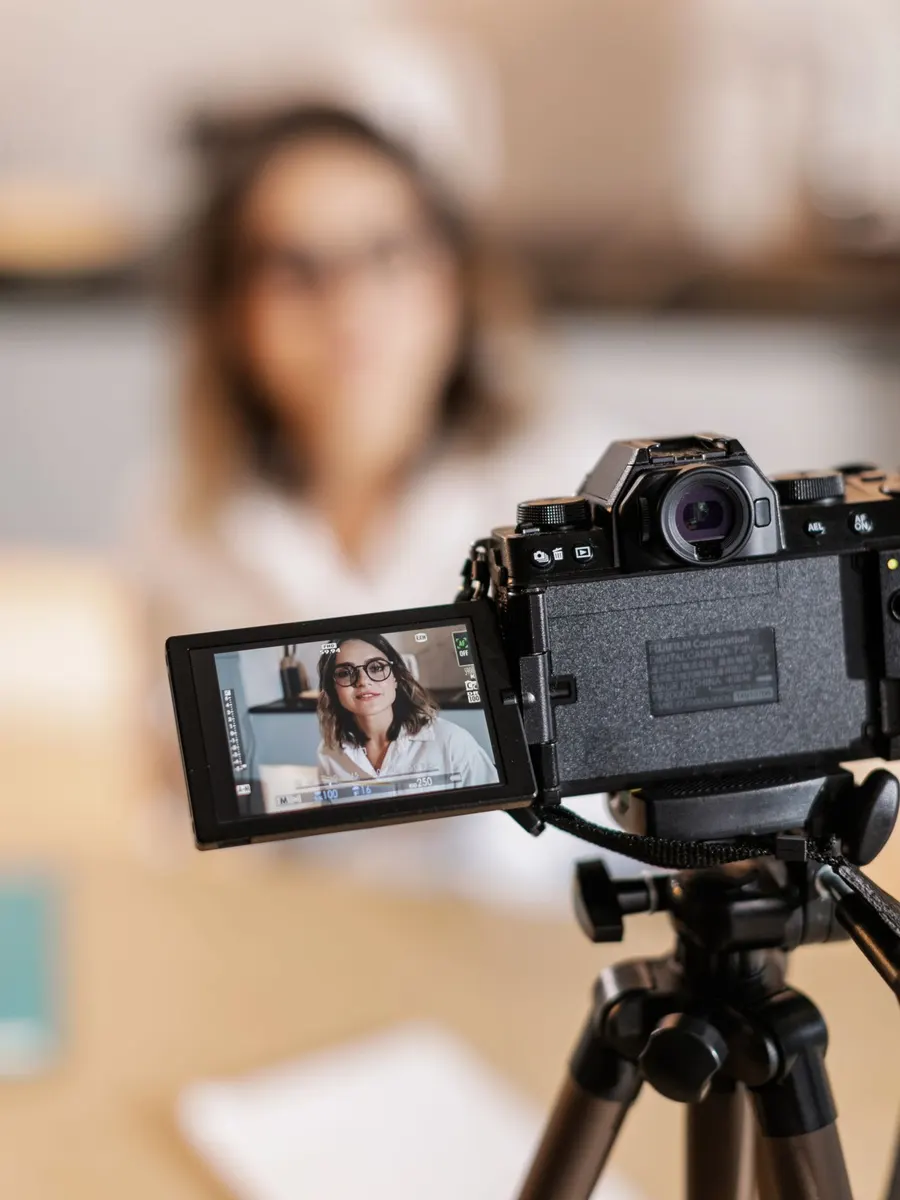
Cuts, captions, music and transitions for a 30-second reel.
2 & 5-month programs
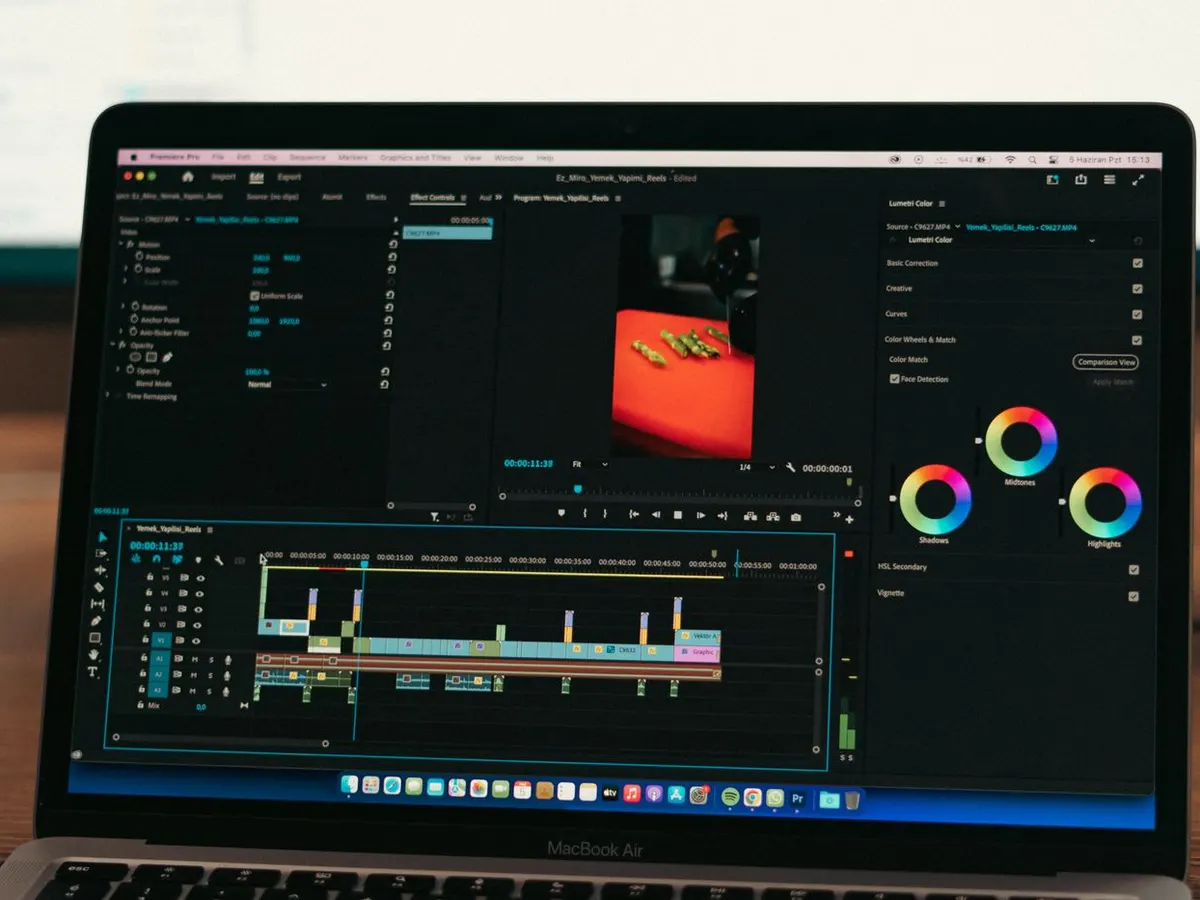
A full edit with titles, B-roll and clean audio.
2 & 5-month programs
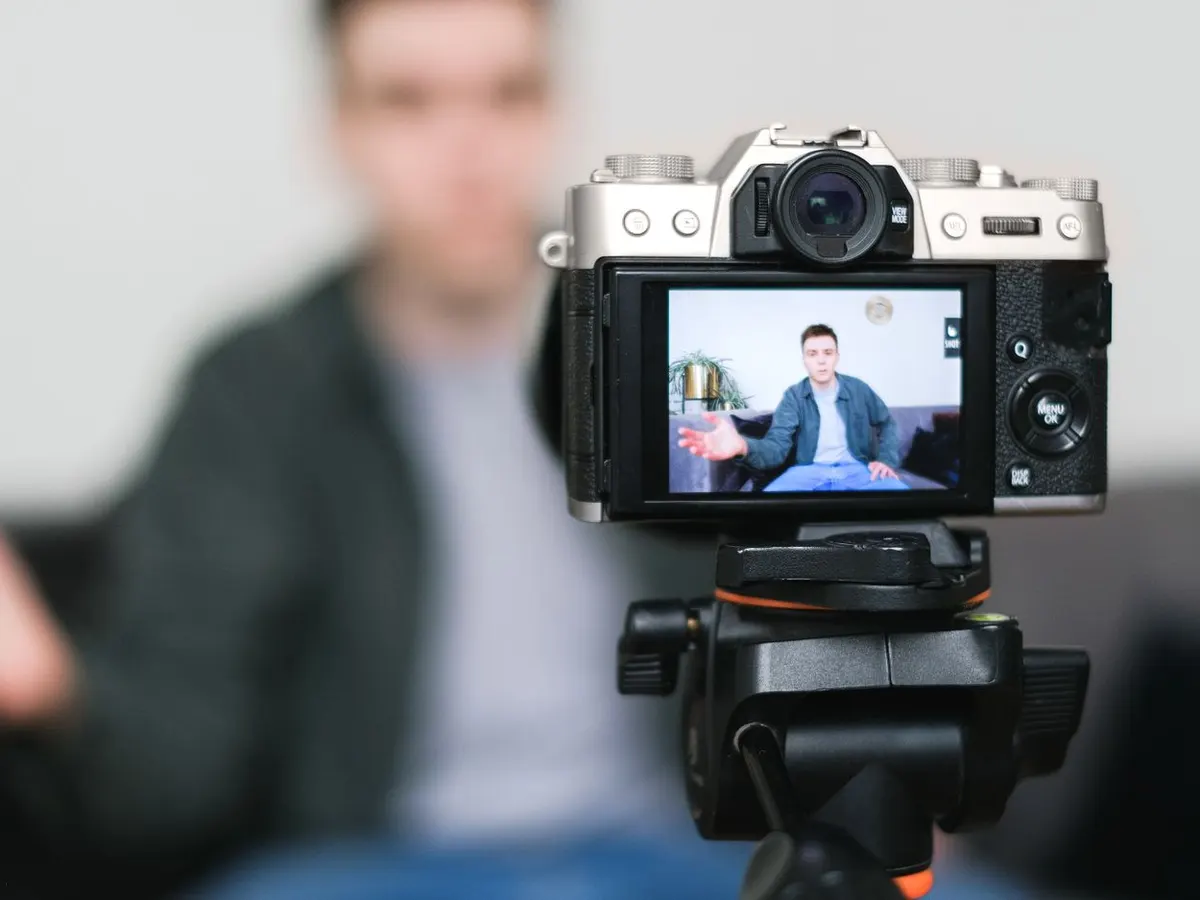
A two-camera edit with lower thirds and levelled sound.
2 & 5-month programs
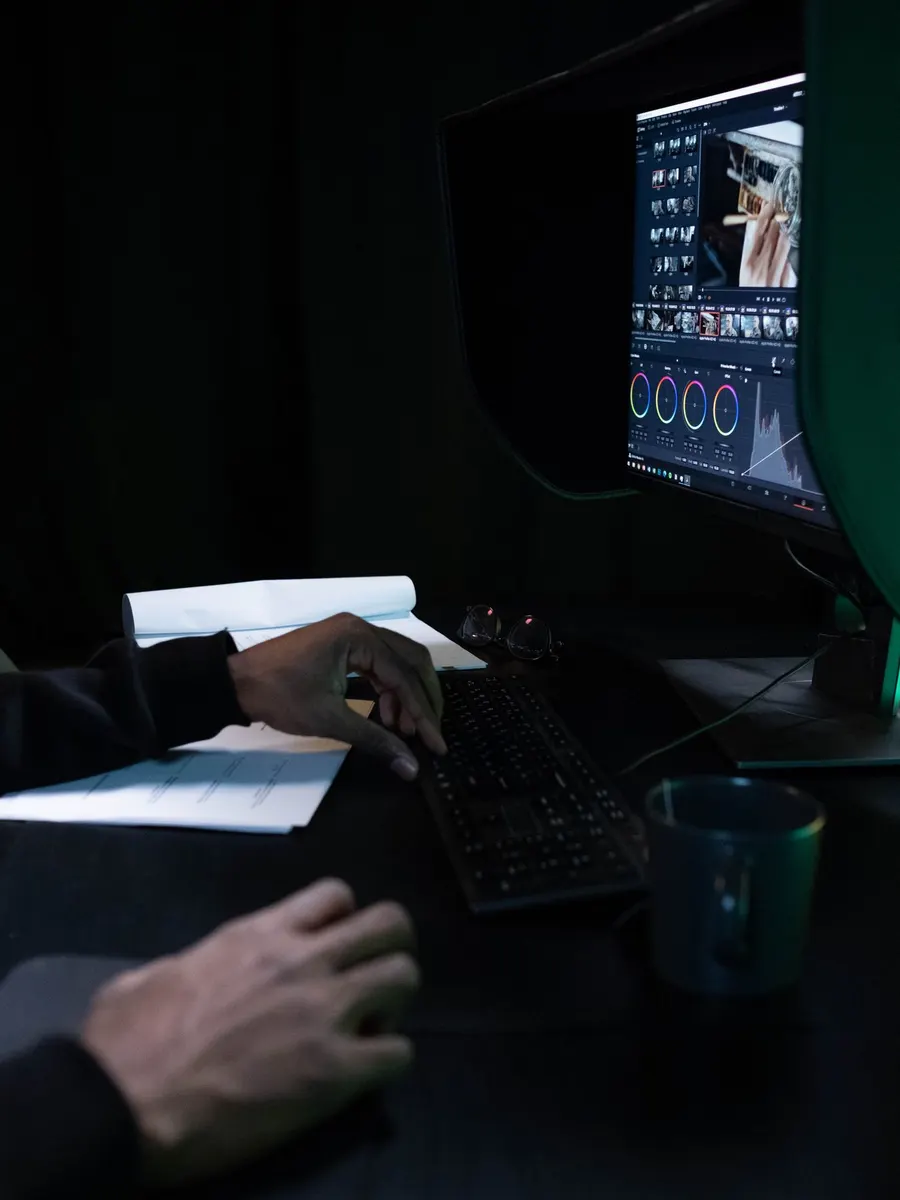
Correct and grade footage for one consistent look.
2 & 5-month programs
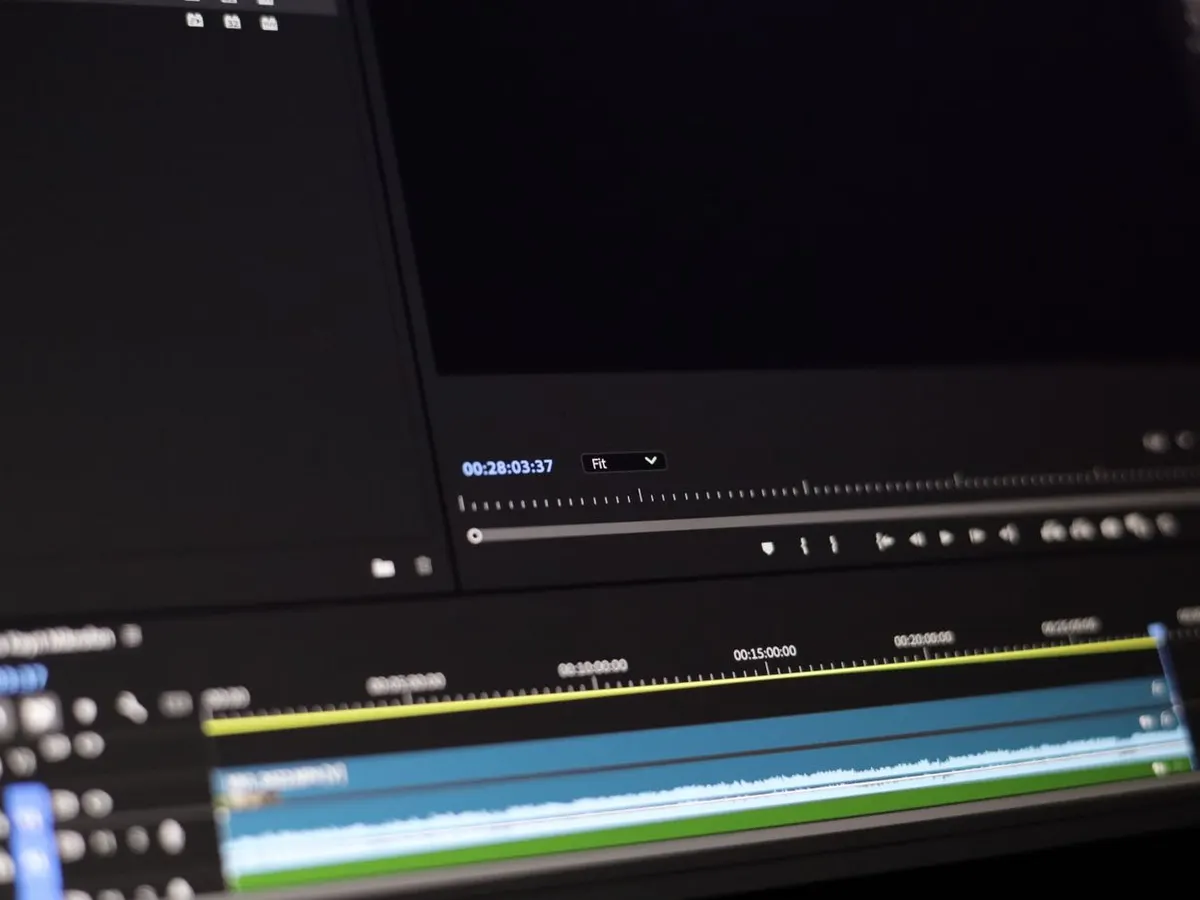
Motion graphics built in After Effects.
2 & 5-month programs
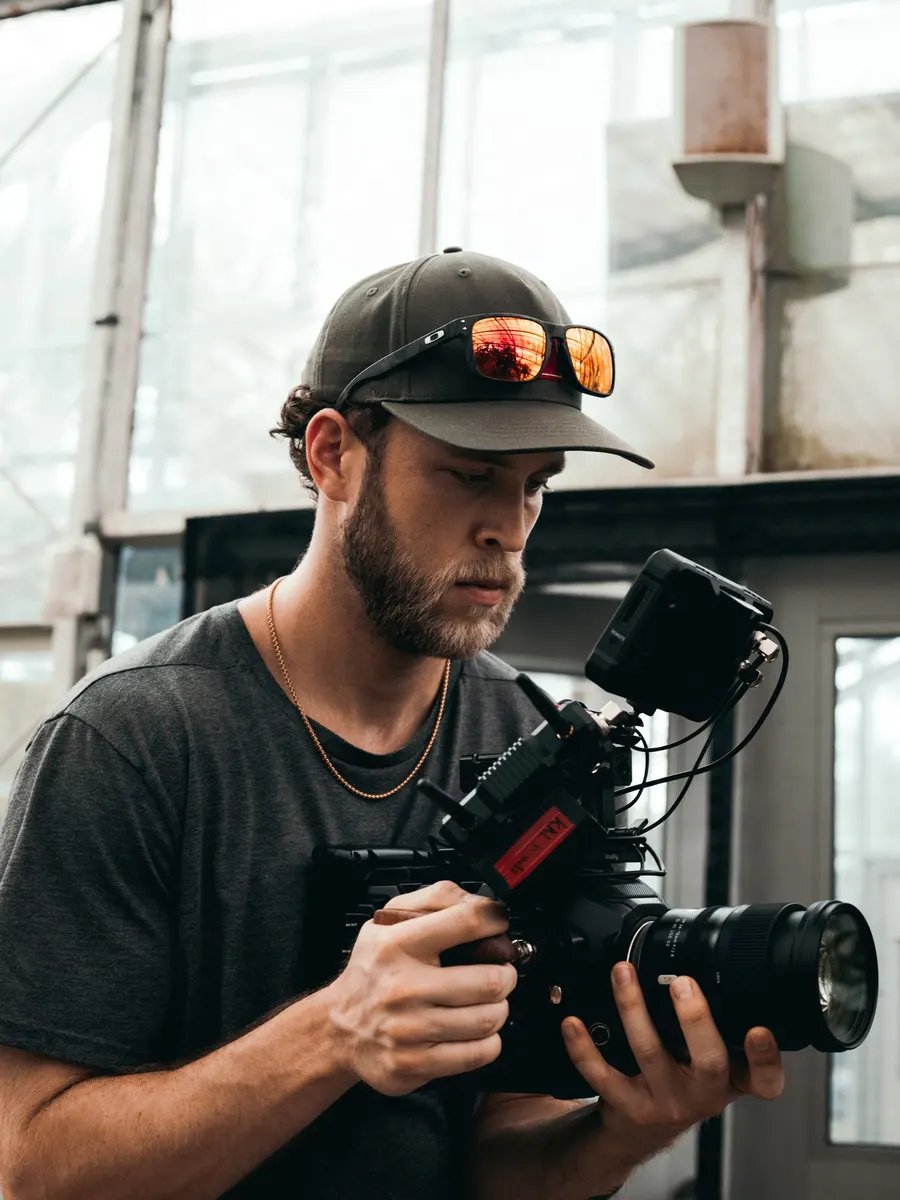
A 30 to 60-second ad, from raw footage to final export.
2 & 5-month programs
DESIGN PROJECT
Eye-catching thumbnails and posters made in Photoshop.
5-month program
DESIGN PROJECT
A logo and brand kit built in Illustrator.
5-month program
DESIGN PROJECT
A set of matching posts, stories and ad creatives.
5-month program
Why Pashium
1+1
One hour of teaching and one hour of hands-on editing every weekday.
15
Up to 15 students, so the trainer can review your edits in every class.
REC
Rewatch lectures; missed classes can be made up in a revision class or another batch.
PC
Practise on your own laptop or on the institute's computers.
SR
Every module ends in an edit for your showreel.
CV
Certificate of Completion, plus showreel, CV and interview preparation.
Before you join anywhere
Ask every institute these questions. Ask us too.
1. Watch videos edited by recent students
2. Ask how many hours you'll edit hands-on
3. Check which software is taught
4. Get the total fee in writing
5. Ask what “placement” really means
6. Read the low reviews on Google
Scope
Short video now drives social media. Instagram Reels, YouTube Shorts, ads and long YouTube videos all need an editor, and most brands post every week.
Editors who can also design thumbnails and creatives, or animate titles in After Effects, can apply for more roles. Recent Indeed listings in Pune include combined motion graphics and video editor jobs.
Digital marketing agencies
Production houses
YouTubers and creators
E-commerce brands
Startups
Coaching and edtech
Event and wedding studios
News and media
Real estate
Local businesses
Video editor salary in Pune
Pay grows with your showreel. Editors who can also design thumbnails and creatives can apply for combined roles that pay more.
Video editor, Pune
₹20,293/month
Average on Indeed (34 reported salaries)
Video editor openings
₹15,000–20,000/month
Range on entry-level Indeed listings in Pune
Motion graphics + video editor
From ₹20,000/month
Indeed listing in Viman Nagar, Pune
Graphic designer + video editor
Up to ₹25,000/month
Indeed listing for a combined role in Pune
Indeed figures as shown when checked on 8 November 2026. Market figures, not a promise. Actual pay depends on your showreel, experience and employer.
Careers
Video editor
2 & 5-month programs
Reels and Shorts editor
2 & 5-month programs
YouTube video editor
2 & 5-month programs
Motion graphics artist (junior)
2 & 5-month programs
Post-production assistant
2 & 5-month programs
Freelance video editor
2 & 5-month programs
Social media designer + editor
5-month program
Thumbnail and creative designer
5-month program
Graphic designer
5-month program
Content creator
2 & 5-month programs
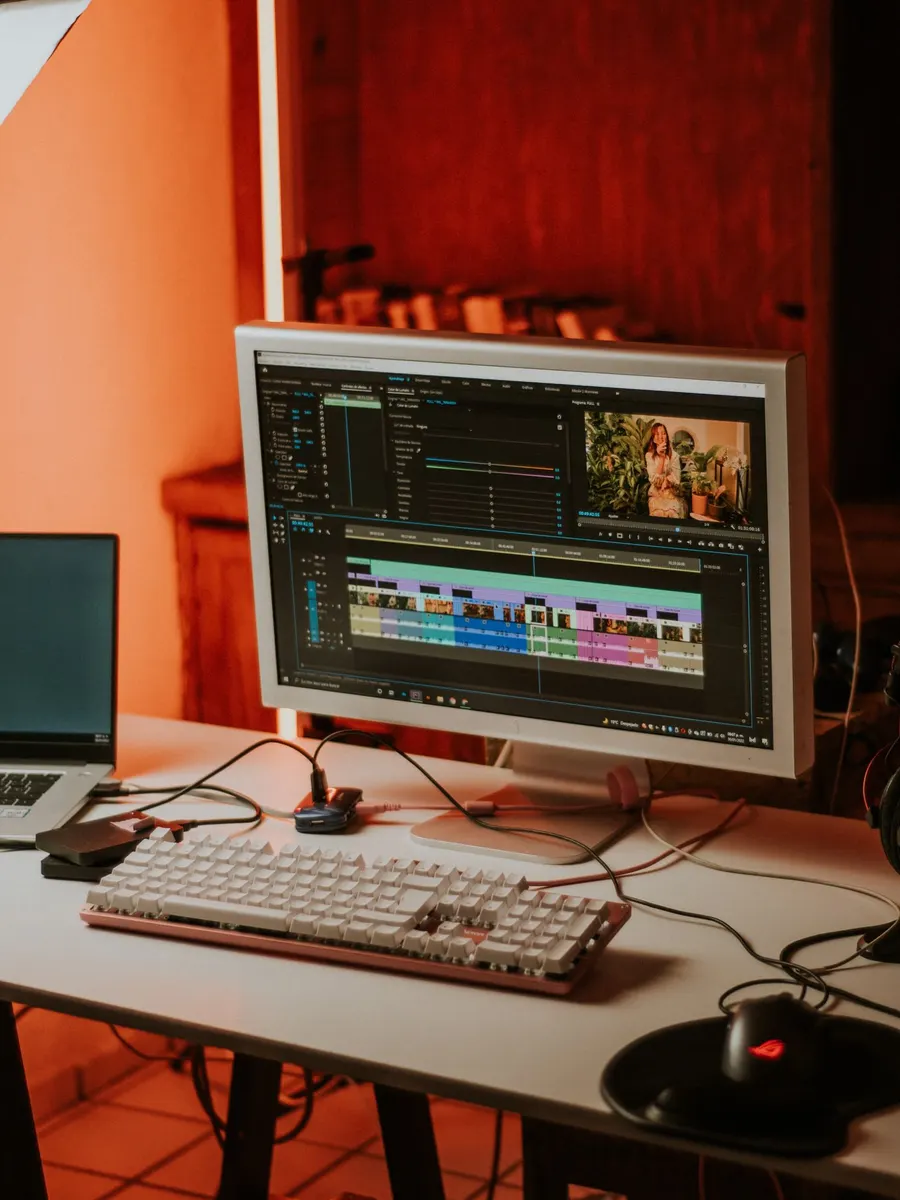
Freelancing
1
Clients hire from what they can watch.
2
Local businesses, cafés, gyms and creators need reels every week.
3
Video length, revisions, deadline and price.
4
Right aspect ratio and file size for each platform.
5
Keep Instagram, YouTube and Behance up to date.
Our centre
Classroom batches at our Apte Road centre, off FC Road.
Our centre
Office 402, 6th Floor, Shivank Building, Apte Road, opposite Venus Traders, off FC Road, Deccan Gymkhana, Pune 411004
Convenient for: Deccan, Shivajinagar, FC Road, JM Road, Kothrud, Karve Road, Model Colony, Sadashiv Peth
Batches: Mon–Fri · 10–11, 11–12, 12–1, 1–2, 7–8, 8–9


Student reviews
S
Sagar P.
Pashium student · Google review
★★★★★
“The graphic design and video editing classes were especially amazing – we worked on real-time projects, and I gained confidence in tools like Premiere Pro and After Effects.”
B
Bharat B.
Pashium student · Google review
★★★★★
“In video editing, we worked on Adobe Premiere Pro and After Effects, and the faculty made sure we practiced a lot.”
H
Haider S.
Pashium student · Google review
★★★★★
“… makes video editing feel fun and professional at the same time. … teaches practical shortcuts, industry-relevant techniques, and ensures we understand both technical and storytelling aspects of editing.”
S
Shivani K.
Pashium student · Google review
★★★★★
“Tool specific syllabus and practical assessment really helped me get better with all the graphic designing and video editing tools.”
P
Prerna P.
Pashium student · Google review
★★★★★
“They provide live online sessions and also daily recordings which helped me for my revision. The staff is very supportive.”
A
Aishwarya T.
Pashium student · Google review
★★★★★
“Admission process is smooth … guided me in interview and CV preparation. Institute helped me to get a internship in one of Maharashtra's renowned company.”
Student life

Hands-on editing workshop
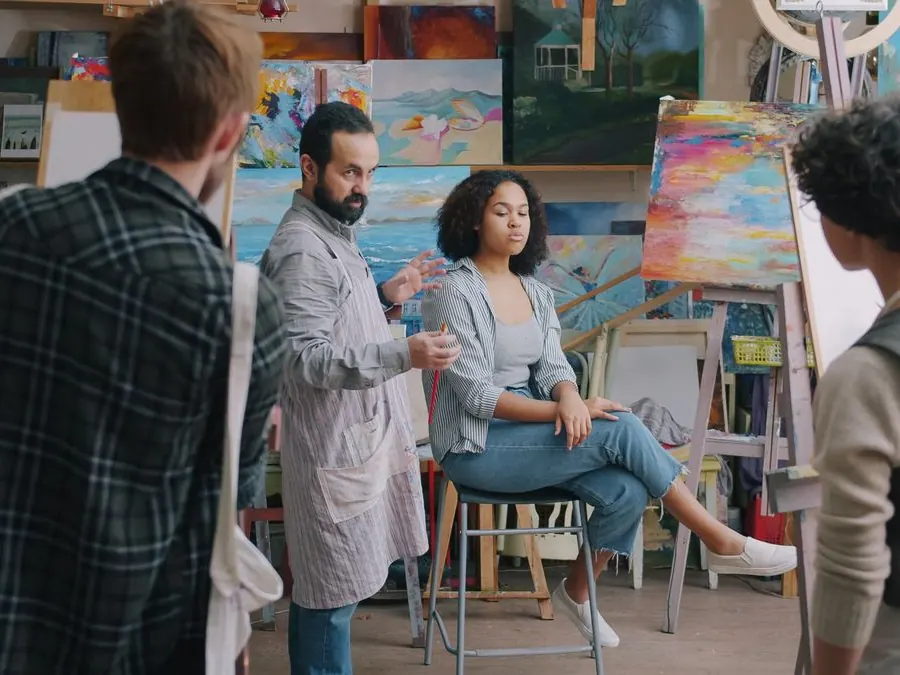
Showreel review day
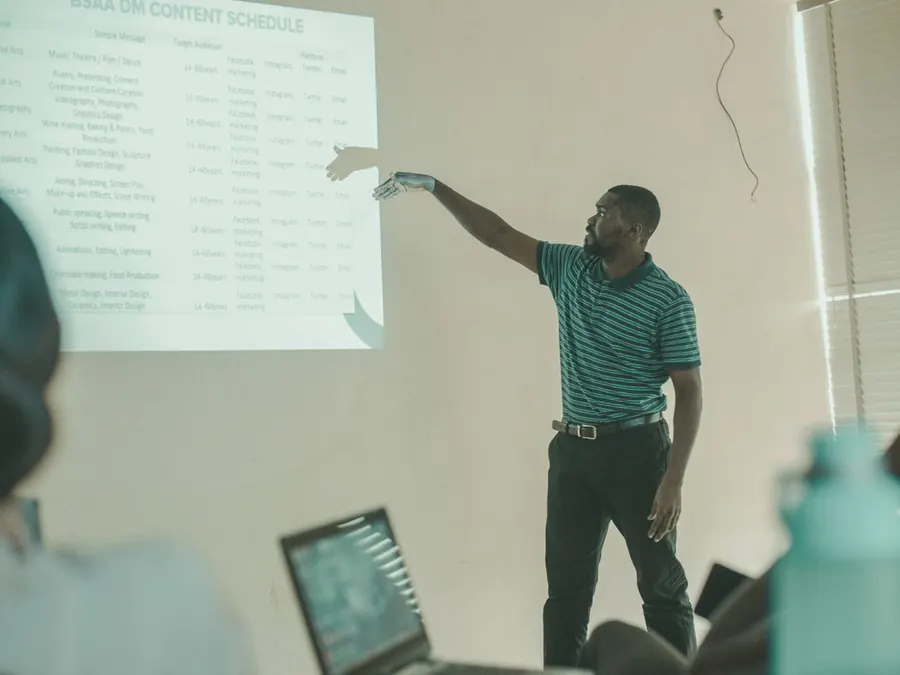
Student project screening
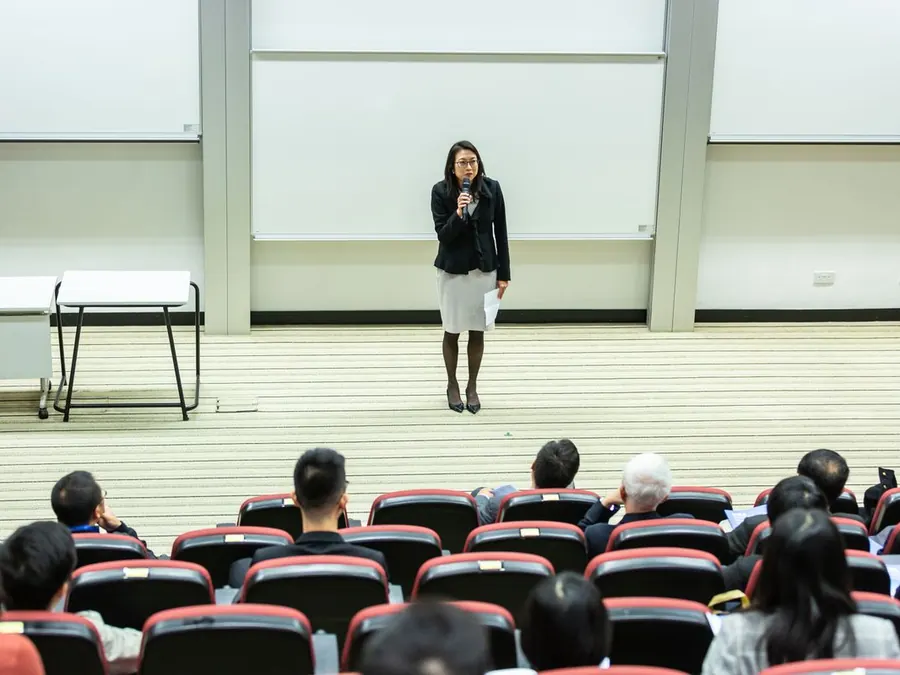
Talk by a working editor
FAQs
How much does a video editing course cost in Pune at Pashium?
The 2-month Video Editing course costs ₹30,000 and the 5-month Graphics & Video Editing course costs ₹55,000. A discount is available on both, and you can pay in 3 or 4 instalments.
How long is the video editing course?
The video editing course runs for 2 months, Monday to Friday, with 1 hour of class and 1 hour of practice each day. The combined Graphics & Video Editing program runs for 5 months.
Which software will I learn?
Adobe Premiere Pro, Filmora and Adobe After Effects. The 5-month program adds Illustrator, Photoshop, Lightroom, InDesign and CorelDRAW for graphic design.
Is After Effects included in the 2-month course?
Yes. You learn motion graphics basics in After Effects, such as animated titles, lower thirds and logo animation, along with editing in Premiere Pro and Filmora.
Are there any free workshops?
Yes. Both the 2-month Video Editing course and the 5-month Graphics & Video Editing program include three free workshops: Camera Handling & Shoot, AI Video Editing and Podcast Shoot.
What are the batch timings?
Batches run Monday to Friday at 10–11 am, 11 am–12 pm, 12–1 pm, 1–2 pm, 7–8 pm and 8–9 pm. Pick the one that fits your college or work.
What is the difference between the 2-month and 5-month courses?
The 2-month course covers video editing and motion graphics only. The 5-month course includes all of that plus graphic design, so you can also make thumbnails, posters, logos and social media creatives.
Which is better for beginners: Premiere Pro or Filmora?
Filmora is quicker to learn and great for fast social media edits. Premiere Pro is the professional standard used by agencies and production houses. You learn both, so you can use the right one for each job.
Can I edit Instagram reels and YouTube videos after this course?
Yes. Reels, Shorts and YouTube edits are core projects in the course, including captions, music, transitions and export settings for each platform.
Do I need my own laptop?
No. You can practise on your own laptop or on the institute's computers during classroom batches.
What happens if I miss a class?
Lectures are recorded, and you can make up a missed class in a revision class or by attending another batch.
How many students are in a batch?
Up to 15 students, so the trainer can review your edits in every class.
Is there a free demo class?
Yes. Book a free demo class with the form at the top of this page or call 077962 97576.
Will I get a certificate?
Yes. You receive a Certificate of Completion from Pashium Design School when you finish the course.
Do you help with jobs?
Yes. We provide interview and job support, including help with your showreel and CV.
What is the salary of a video editor in Pune?
Indeed shows an average of about ₹20,293 a month for video editors in Pune, with entry-level listings around ₹15,000 to ₹20,000 a month. Pay rises with your showreel and experience.
Can I work as a freelance video editor?
Yes. Many editors start with local businesses and creators. Build a short showreel, agree the scope and price in writing, and deliver in the right format for each platform.
Where is Pashium Design School?
Office 402, 6th Floor, Shivank Building, Apte Road, opposite Venus Traders, off FC Road, Deccan Gymkhana, Pune 411004.
Attend a free demo class and get the latest fees, discount and batch details for both programs.
Free demo class
Classroom demo at Apte Road, Deccan. A counsellor will call you to fix a time.
Or call 077962 97576
Fees & discount
Share your details and we'll send the latest fees, current discount and instalment options.
Or call 077962 97576
